Apogee Watcher uses three customer roles inside each organisation: Admin, Manager, and Viewer. This page explains when to use each role. For the full permission matrix, use What each role can do.
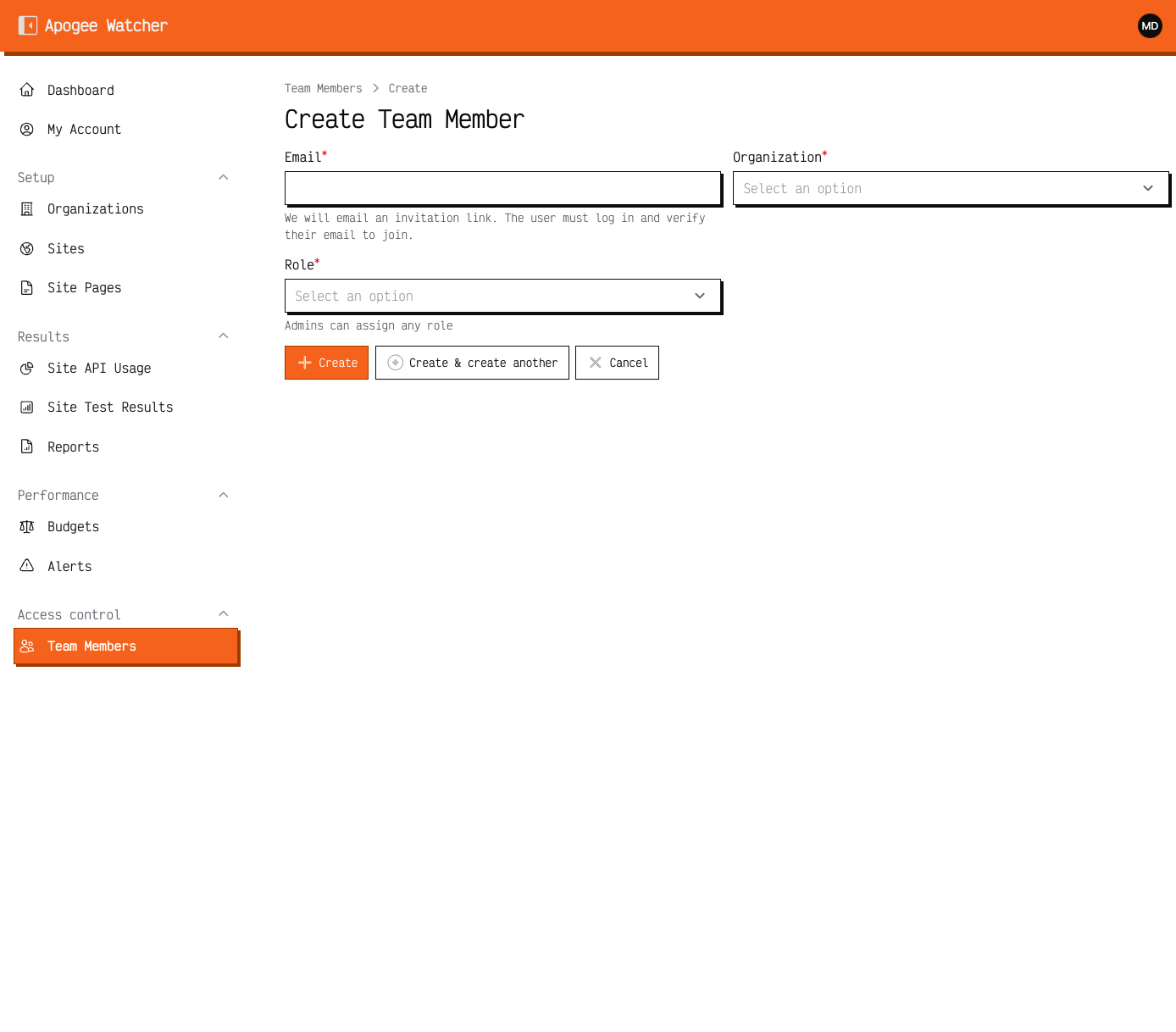 Invite form role field — Admins can assign Admin, Manager, or Viewer; Managers can invite Viewer only.
Design intent
| Role | Job to be done |
|---|---|
| Admin | Own the workspace: membership, organisation settings, billing relationship, and full configuration within plan limits |
| Manager | Run delivery: sites, pages, discovery, budgets, manual tests, Viewer invites |
| Viewer | Observe: dashboards, results, reports, alerts — without changing production monitoring |
Roles never cross organisations by themselves. Membership is per organisation; switch organisation in the panel before you act in another workspace.
Recommended staffing patterns
Solo operator
One Admin on a Personal (or higher) plan. Skip Manager/Viewer until you need a contractor or client login.
Small team
- One Admin (owner)
- One or more Managers for day-to-day monitoring
- Optional Viewers for leadership or freelancers who should not edit
Agency portfolio
- Admin on the agency master org (billing)
- Per-client org: account lead as Admin or Manager; client stakeholders as Viewer
- Prefer Viewer for clients who only need PDFs and share links
Digest emails for budget violations go to Admins. If an account manager must receive digests, make them Admin in that client organisation — or forward from the Admin mailbox.
What changes most often
These are the decisions teams revisit:
- Who may run tests? Manager and Admin only — Viewers never see Run Test.
- Who may invite? Managers invite Viewer only; Admins invite any role — Invite a team member.
- Who edits the organisation name? Admin only.
- Who deletes organisation reports? Admin only.
Limits that override role
Even an Admin cannot exceed plan quotas or mutate data in read-only mode after subscription end. Free plan blocks site create and invites for everyone. See Understand plan limits and Free plan vs paid.
Custom permission overrides
Enterprise setups may store JSON permission overrides on a team member. Most customers never need them — treat the default matrix as the contract unless support configured otherwise.