View list — all roles · Create organisation — Admin only · Plan must allow multiple organisations
In Apogee Watcher, an organisation is an isolated workspace: team members, sites, tests, budgets, and reports. Agencies often use one organisation per client so data and billing stay separate. Solo operators usually keep a single organisation and add multiple sites underneath it. For what is stored per workspace and how long test history lasts, see Data Watcher stores and retention.
View organisations
- Sign in at
/admin. - Open Setup → Organizations.
- Review the table: name, subscription summary, site count, and member count.
Managers and Viewers can open the list and view details. They cannot create organisations or edit organisation settings.
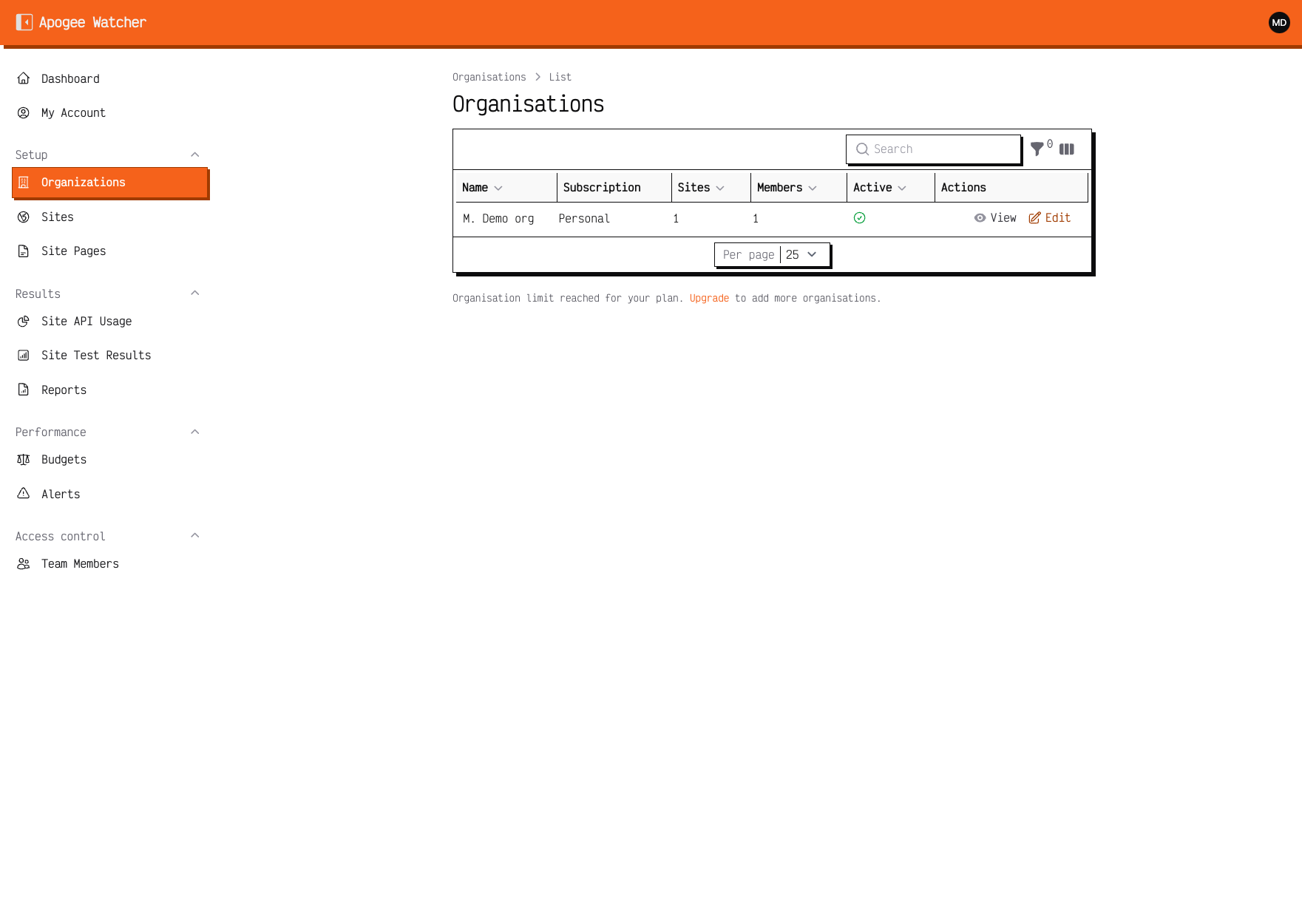 Organizations index — each row is a workspace you belong to or administer.
Create another organisation (Admin)
You need Admin role in your account and headroom under your plan’s organisations limit.
- On Organizations, click Create (hidden when you are at the limit or in read-only mode).
- Enter a Name your team will recognise (for example
Client B — 2026). - Save.
The new organisation starts empty: no sites until you add them. Switch to it from the Dashboard organisation switcher, then follow First organisation and site.
Plan limits on organisation count
| Typical tier | Organisations allowed |
|---|---|
| Free / Personal | 1 |
| Starter | 2 |
| Growth | 2 |
| Professional | 3 |
| Agency | 15 |
| Enterprise | Custom |
Exact limits appear on My Account and in Understand plan limits. When Create is missing, you are at the cap — upgrade or contact support.
Customers cannot delete an organisation from the panel. Retiring a workspace is a support request — see Export and delete your data.
If you are a Manager or Viewer
You can view organisations you belong to and switch between them. You cannot create organisations or change organisation metadata. Ask an Admin in that workspace to create sites, invite teammates, or upgrade the plan.