Required access: All roles can view alerts in the panel · Manager or Admin configure budgets · Digest email recipients are organisation Admins
Alerts are created when a PageSpeed run violates an active performance budget. You do not write a separate “alert rule” for each page — configure the budget, then review what fires under Alerts.
Set thresholds first: Set performance budgets.
View alerts in the panel
- Sign in at
/admin. - Open Performance → Alerts.
- Filter by site, status, or date as needed.
- Open an alert to see which page and strategy breached which metric.
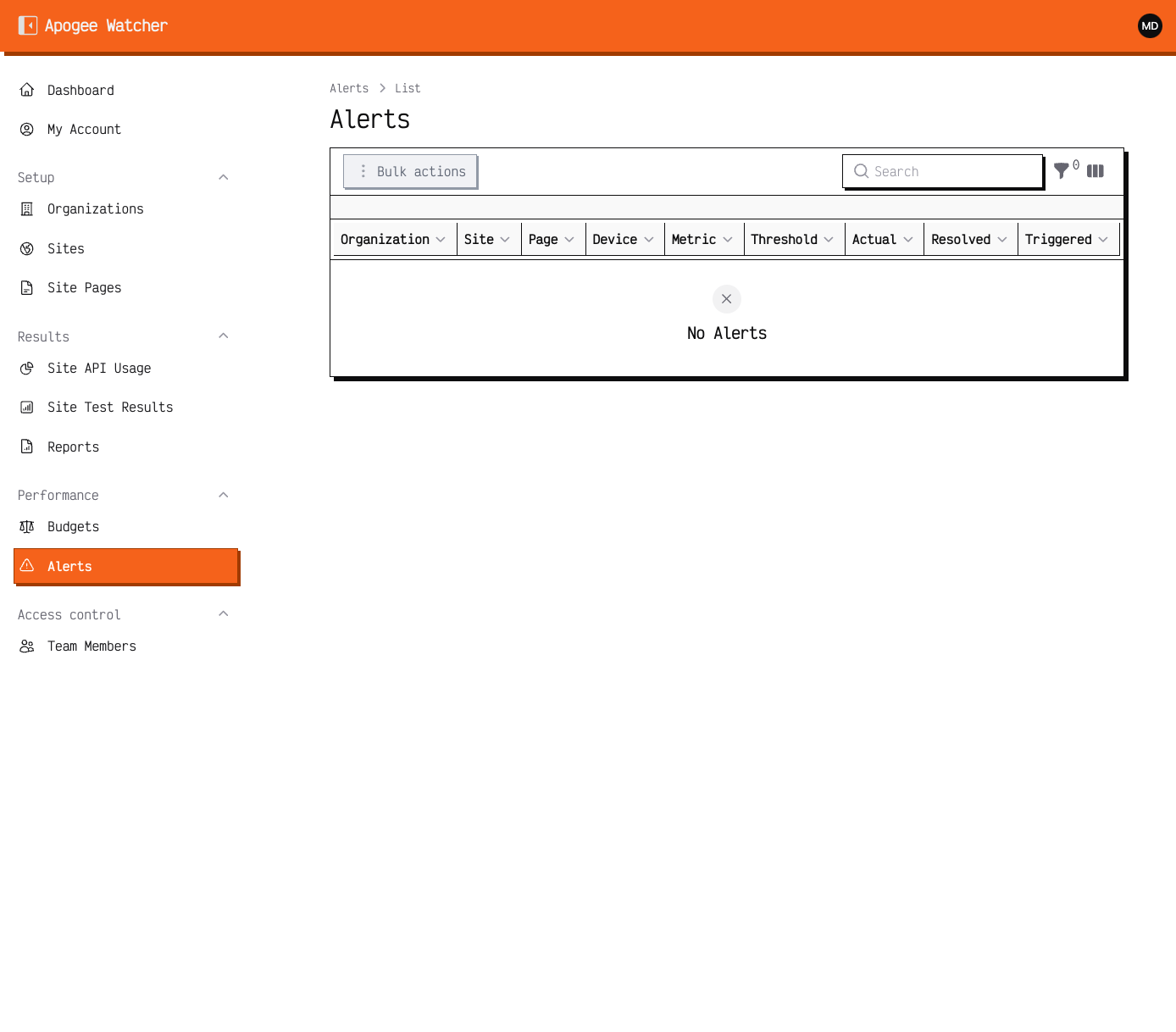 Alerts — empty until an active budget is violated; all roles can browse the list.
All organisation members can browse alerts. Resolving or deleting alerts requires Manager or Admin.
How digests work
When budget checks find violations, Watcher can send a site-level digest email (subject style: {site name} — PageSpeed Budget Violations Digest). The message summarises failing pages for that run (a capped list of detail rows) rather than one email per page.
Digest emails are sent to active organisation Admins only. Managers and Viewers still see alerts in the panel but do not receive the digest unless they are also Admins.
Cooldowns and reminders
To reduce noise, Watcher applies a cooldown (default about 60 minutes) per page and strategy before re-notifying the same violation pattern. Unresolved issues can surface again on a cadence aligned with the site’s scheduled test frequency.
If you receive fewer emails than expected, check:
- Budget Active and thresholds realistic vs recent lab scores
- Alert channel allowed on your plan (email vs Slack vs webhook)
- Whether you are an Admin in that organisation
- Cooldown window after a recent digest
If you are a Manager or Admin — configure signal
- Keep budgets accurate and strategy-specific.
- Prefer email on lower tiers; enable Slack or webhook only when your plan includes them — see Understand plan limits.
- Assign at least one Admin who should receive digests for the client workspace.
Slack and webhook delivery depend on plan feature flags. Email is the baseline channel on most paid plans.