Create an Apogee Watcher account before you add sites or invite a team. Self-serve sign-up places you on the Free plan unless you enter a valid coupon that starts a paid-plan trial.
If a colleague invited you to their organisation, open the team invitation link from that email instead of creating a second account.
If you received an admin waitlist invitation (finish registration), open that link (/prelaunch/register/...) — do not start a new /sign-up.
Start at sign-up
- Open
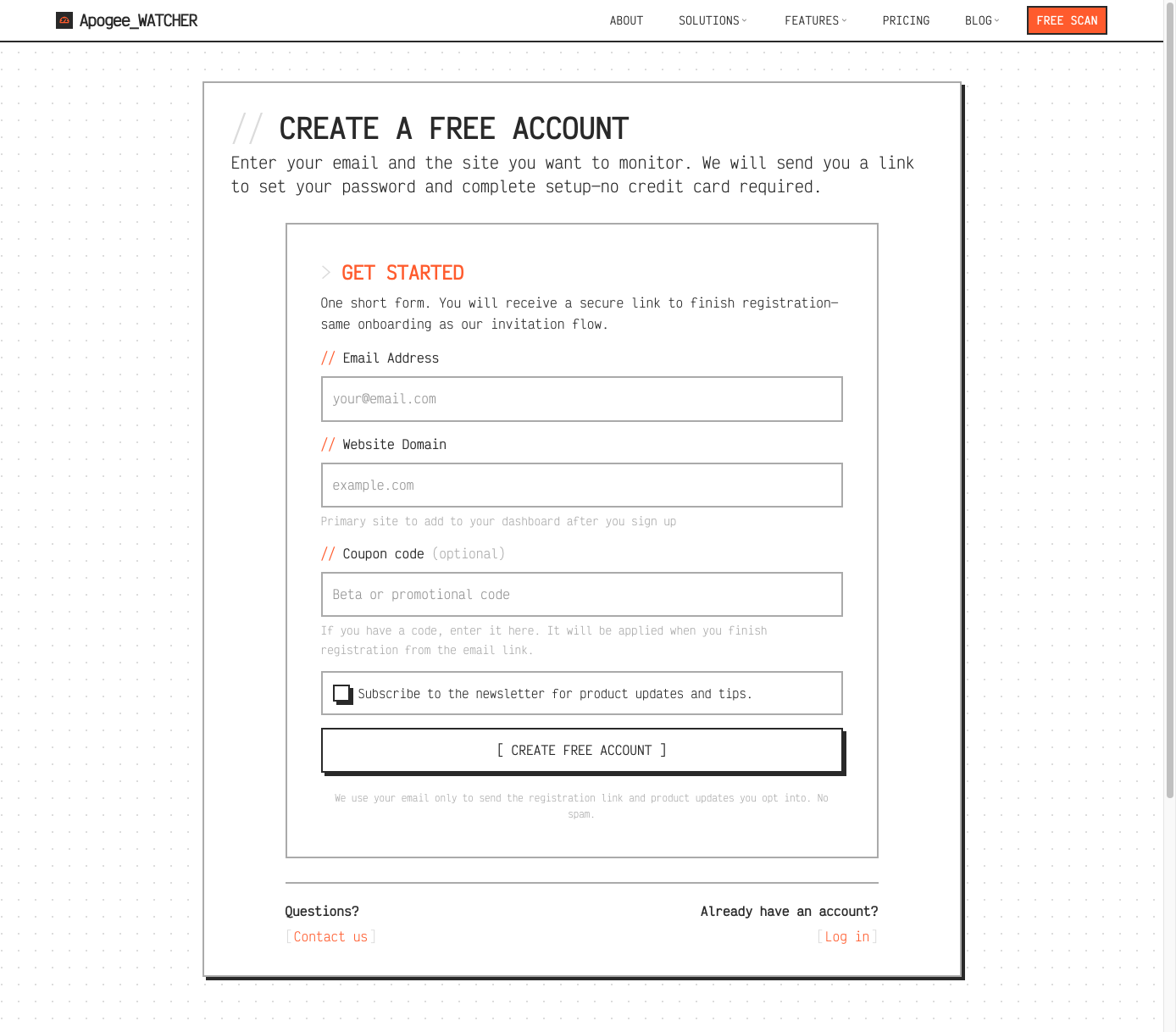
/sign-upon apogeewatcher.com. - Enter your email address.
- Enter the website domain you want to monitor first (primary site after setup).
- Choose a password (and confirm it), or use Continue with Google.
- Optionally enter a coupon code if you were given one (for a trial on a paid plan).
- Submit Create free account (email path requires reCAPTCHA).
 Public
 /sign-up — email, primary domain, password, optional coupon, or Google.
Your account, organisation (named from the domain), and first site are created immediately. You are signed in and sent to /admin.
Continue with Google on sign-up
Continue with Google creates (or signs into) your Watcher account using the Google email. Google marks the email verified automatically. If you enter a coupon on the form first, Watcher can apply it when the Google account is created. Returning users who already have an account can also use Google from Sign in.
Email verification (password sign-up)
When you sign up with email and password, Watcher sends a verification email. You can use the dashboard while unverified; a banner reminds you to verify and lets you resend the message. Google sign-up marks your email verified automatically.
After you can sign in
- Open
/adminand confirm your organisation appears under Setup → Organizations. - Review plan usage on the dashboard or in My Account.
- On a paid plan (or active trial), continue with First organisation and site.
Already registered? Use Sign in (password, Google, or magic link).
Without a valid coupon, the account starts on Free. Free cannot create sites or invite team members — see Free plan vs paid.
Agency and team trials usually arrive as coupon codes from sales or onboarding email. Enter the code on sign-up so the trial plan is applied when the account is created.
If registration fails
Common causes:
- Invalid coupon — remove the code or ask for a corrected one; an invalid code can block account creation
- Email already registered — sign in at
/admin/loginor use password reset / Continue with Google / magic link - reCAPTCHA or rate limit — retry after a short wait
For billing and account recovery, contact support.