All roles · Any plan
The product tour in Apogee Watcher is a guided walkthrough of the customer panel sidebar — Dashboard, Setup, Results, Performance, Access control, and My Account. It uses Shepherd.js-style step cards anchored to navigation items.
Start the tour
Automatic: On first sign-in after account creation, the tour may start once Apogee Watcher sets your onboarding flag.
Manual:
- Sign in at
/admin. - Click Take the tour in the top bar (or the equivalent entry in the user menu).
- Follow Next through each step until Finish.
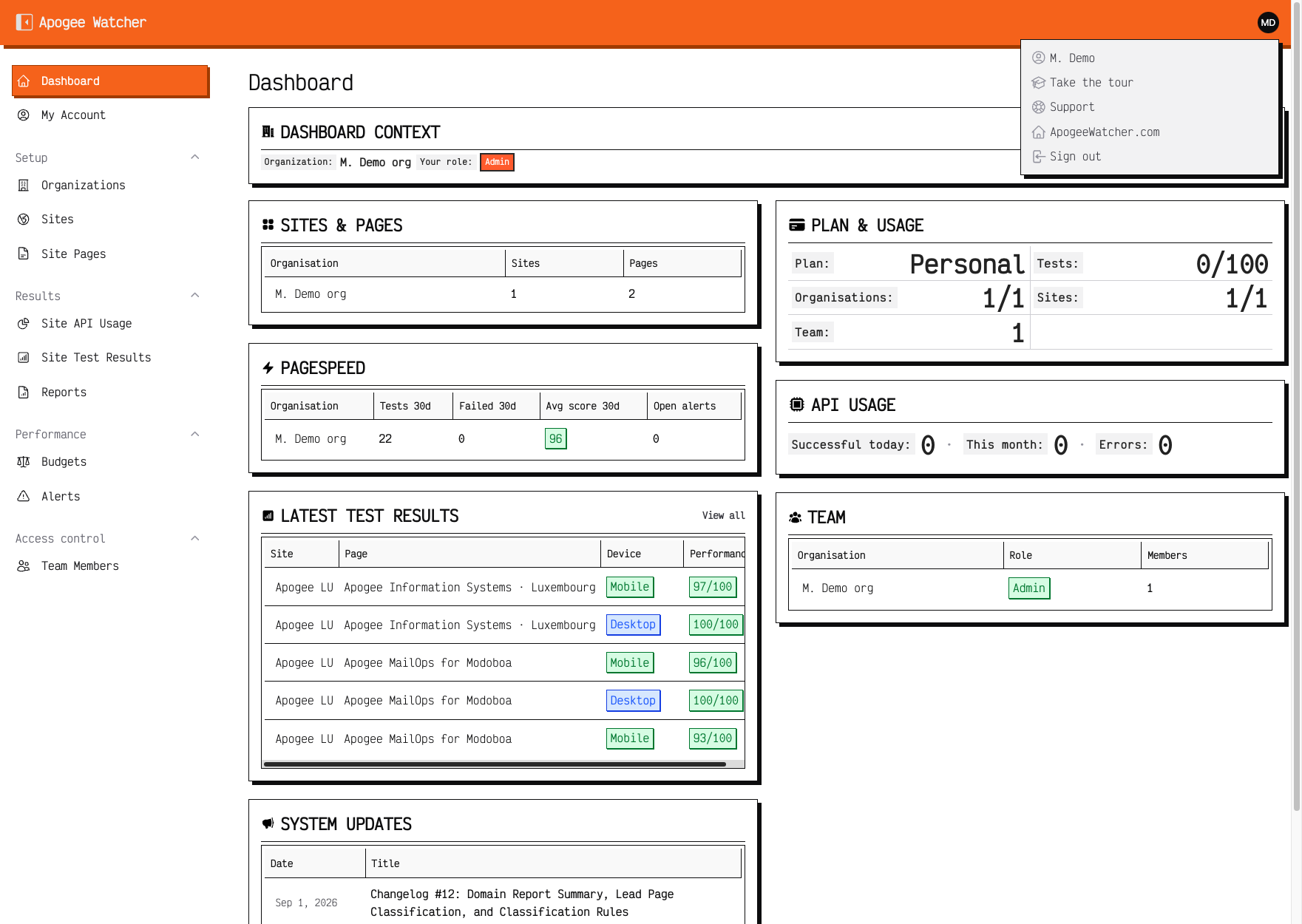 Take the tour in the top bar — restarts the walkthrough.
What the tour covers
Steps follow the customer sidebar order:
- Dashboard — context widget and plan usage overview
- Setup — Organizations, Sites, Site Pages
- Results — API usage, test results, reports
- Performance — budgets and alerts
- Access control — team members
- My Account — subscription and support links
The tour highlights where features live. It does not deep-link into share URLs, discovery modals, or PDF download dialogs.
Role-specific expectations
The tour text is the same for every role, but buttons you see afterward differ:
| Role | After the tour |
|---|---|
| Admin | Full create/edit actions |
| Manager | Create sites, run tests, invite Viewers |
| Viewer | Read-only — no Create or Run Test |
Read What each role can do immediately after the tour if permissions confuse new teammates.
Free and read-only accounts
- Free plan: Tour runs, but site creation and invites remain blocked — Free plan vs paid.
- Read-only: Tour runs, but mutation steps fail with upgrade tooltips — Read-only when subscription ends.
After the tour
| Your goal | Next article |
|---|---|
| Set up monitoring | First organisation and site |
| Invite colleagues | Invite a team member |
| Understand billing | Subscription and renewal |