Sign in when you already have an Apogee Watcher account (or when Continue with Google can create a Free account for a new Google email). New password-based accounts start at Create your account.
Open the sign-in page
- Go to
/admin/login(or choose Sign in / Dashboard when you are logged out). - Pick one method below: password, Google, or magic link.
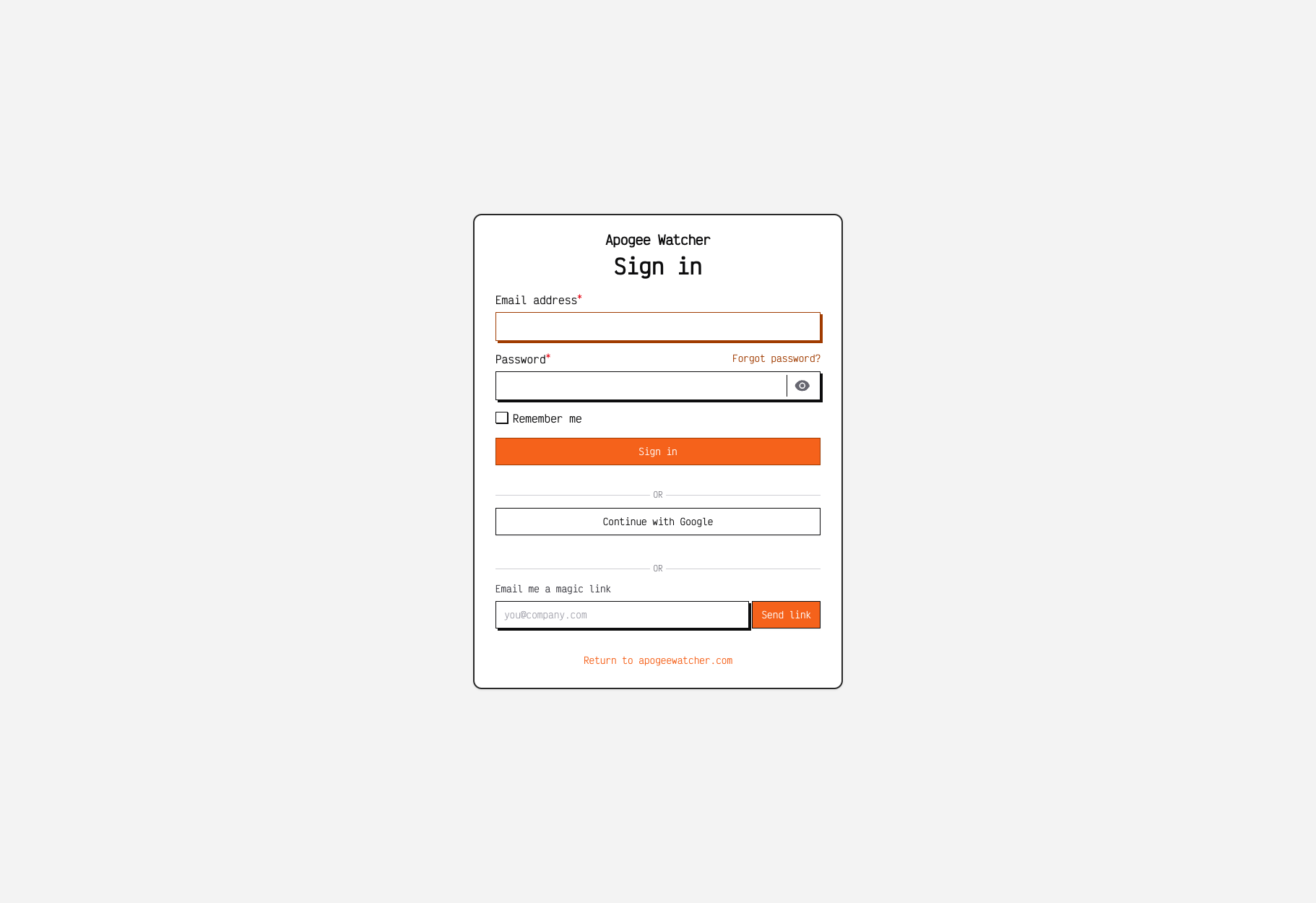
/admin/login — password, Continue with Google, and Email me a magic link.
Sign in with email and password
- Enter the email address for your account.
- Enter your password.
- Optionally tick Remember me.
- Click Sign in.
Forgot password
- On
/admin/login, click Forgot password? - Enter your email and submit the reset request.
- Open the reset link from your inbox and set a new password.
- Sign in again with the new password.
Continue with Google
- On
/admin/login, click Continue with Google. - Choose the Google account whose email matches (or will become) your Watcher login.
- Approve access when Google prompts you.
What happens next:
| Situation | Result |
|---|---|
| Google email already has a Watcher account | You are signed in to /admin |
| Google email matches an existing account without Google linked | Watcher links Google to that account and signs you in |
| No Watcher account for that Google email | Watcher creates a Free account and organisation, then signs you in |
Google sign-in marks the email as verified. Free accounts still cannot create sites until you upgrade or apply a valid trial coupon — see Free plan vs paid.
On Create account (/sign-up), Continue with Google follows the same Google flow and can apply an optional coupon from the sign-up form. Prefer /sign-up when you need a coupon or want to set the primary domain during registration.
Email me a magic link
Use a magic login link when you prefer passwordless sign-in or you do not remember your password.
- On
/admin/login, find Email me a magic link. - Enter your account email.
- Click Send link.
- Open the message from Watcher and click the one-time link (expires in about 30 minutes).
- You land signed in (usually
/admin).
Magic login links are only emailed when an account already exists for that address. The form still shows a generic success message either way, so a missing inbox usually means wrong email or no account yet — use Create your account or Continue with Google.
If the link is invalid or expired, request a new one from /admin/login. Too many requests in a short time are rate-limited — wait and try again.
Save a free domain report
When you save a free domain scan, Watcher opens /login/save-report. That page offers the same three methods — password, Continue with Google, and Email magic link — then imports the scan into your workspace when sign-in succeeds.
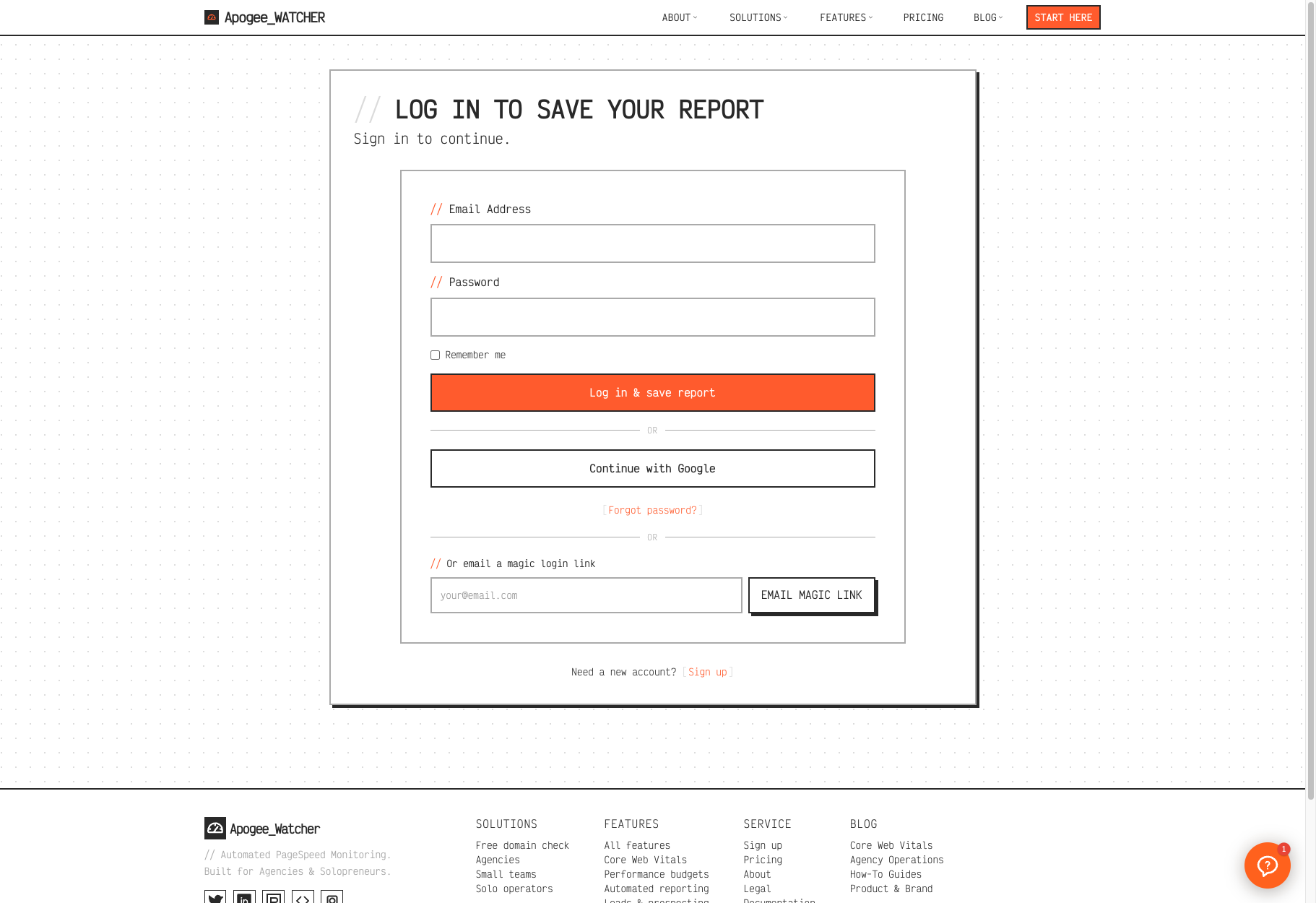
/login/save-report — password, Google, or magic link, then import the scan.
Use the same email the scan was associated with when the flow asks for it. Details: Domain performance reports.
Which method should I use?
| Goal | Prefer |
|---|---|
| Everyday access with a password | Email and password |
| Fast sign-in with a Google Workspace / Gmail account | Continue with Google |
| No password (or temporary access from email) | Magic login link |
| First account + optional trial coupon | Create your account |
| Join a teammate’s organisation | Invitation email, then this page — Accept a team invitation |
If sign-in fails
| Symptom | What to try |
|---|---|
| Wrong password | Forgot password, magic link, or Continue with Google |
| No magic-link email | Check spam; confirm the email has an account; wait if you hit rate limits |
| Expired magic link | Request a new link from /admin/login |
| Google error / no email returned | Retry Google, or use password / magic link |
| Invite or save-report email mismatch | Sign out and sign in with the invited or scan email |
For account recovery, contact support.