// Required access
Required access: Admin only · Disabled in read-only mode
Deleting an organisation report removes the report row and its stored file pointer from Apogee Watcher. It does not delete underlying Site Test Results — historical tests remain under Results → Site Test Results.
Domain reports use a separate public token model — see Domain performance reports for renewal and removal rules.
Delete one report
- Sign in at
/adminas an Admin in the organisation. - Open Results → Reports.
- Locate the report row (check type and generated date).
- Click Delete on the row action menu (or select rows and bulk delete when offered).
- Confirm the dialog.
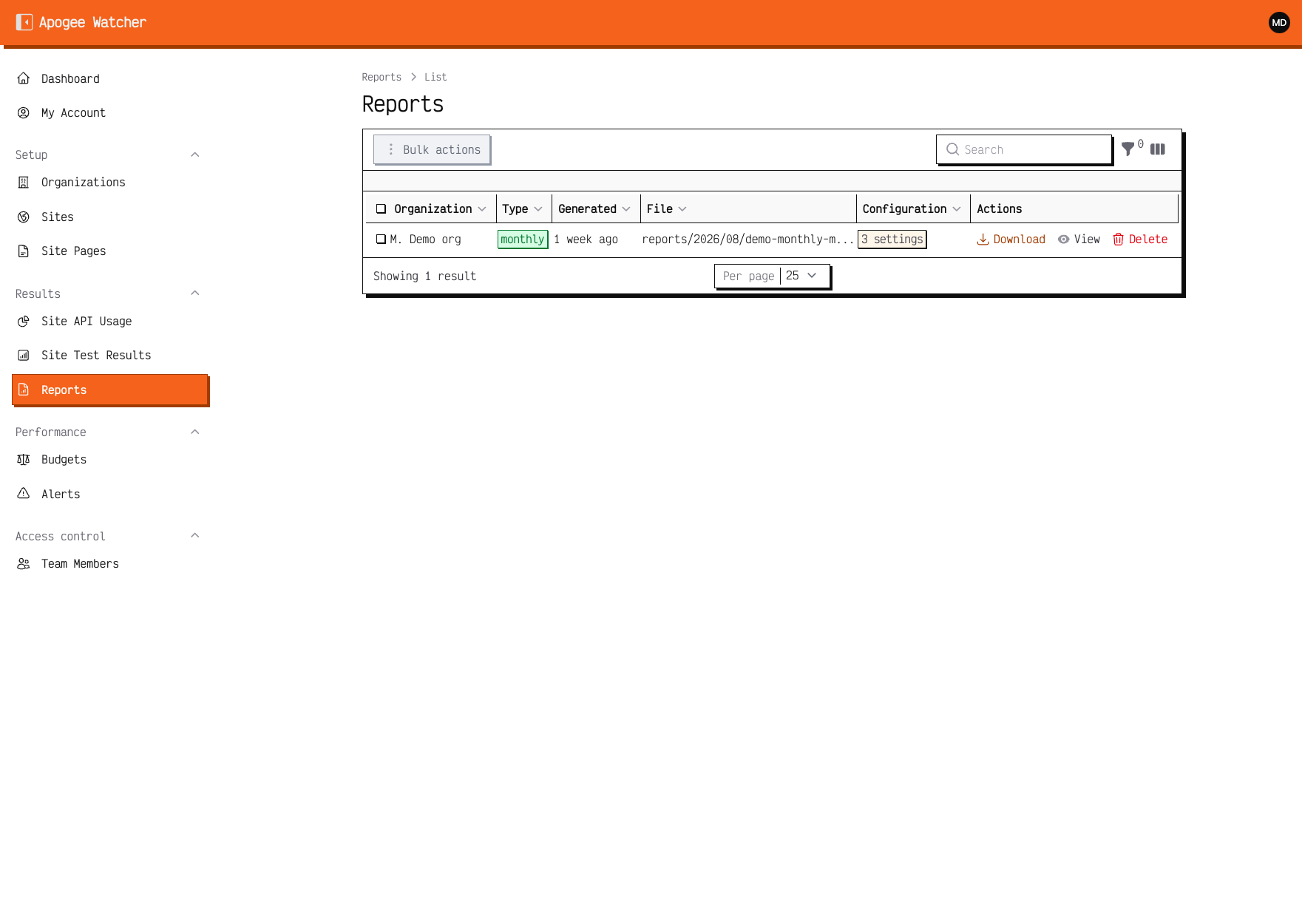 Reports — Delete appears for Admins only.
Who cannot delete
| Role | Download | Delete |
|---|---|---|
| Viewer | Yes | No |
| Manager | Yes | No |
| Admin | Yes | Yes |
Read-only mode
When the organisation is in read-only mode, Delete is disabled for all roles, including Admins. Renew the subscription first — Read-only when subscription ends.
When to delete vs keep
Delete when:
- A test report was generated for the wrong period
- Storage hygiene before offboarding a client workspace
- Duplicate row after support re-generation
Keep when:
- You still need audit history for a client dispute
- The PDF is linked from a sent email — download a local copy before delete
// Warning
Deletion is permanent for that report file. Regeneration requires a new scheduler run or support assistance.